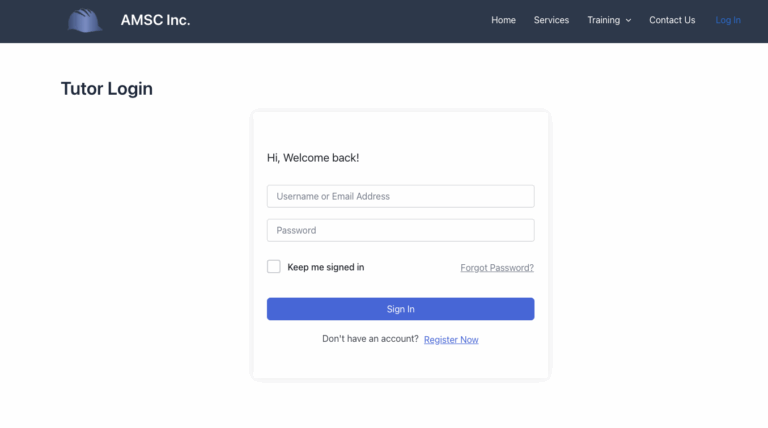
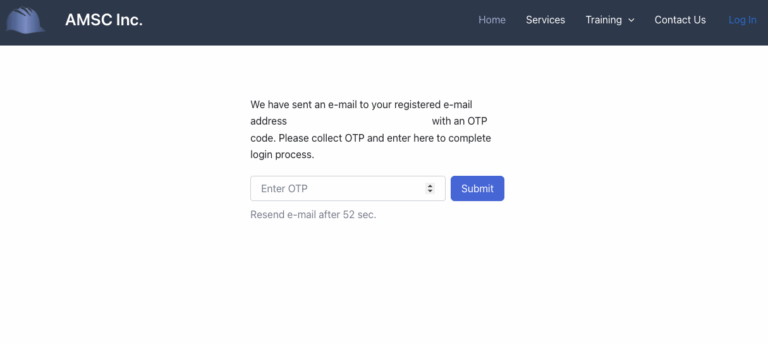
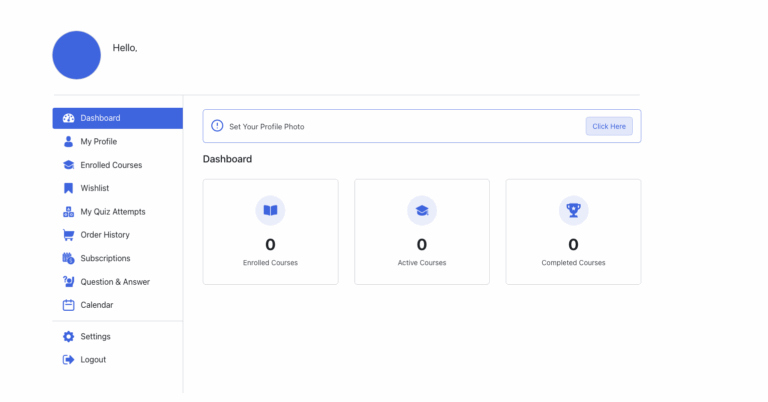
Account Log In Tutorial Table of Contents Step 1 Find your way to the login page https://amscinc.ca/tutor-login/Or click the login option in the header Step 2 Please fill out your login information Step 3 You will then receive a verification code by email. Step 4 Copy the code received by email and enter it and press submit. Step 5 You are now logged in and will be redirected to the student dashboard